
Photos
Stay on device for editing and export.
Now on iPhone and Android
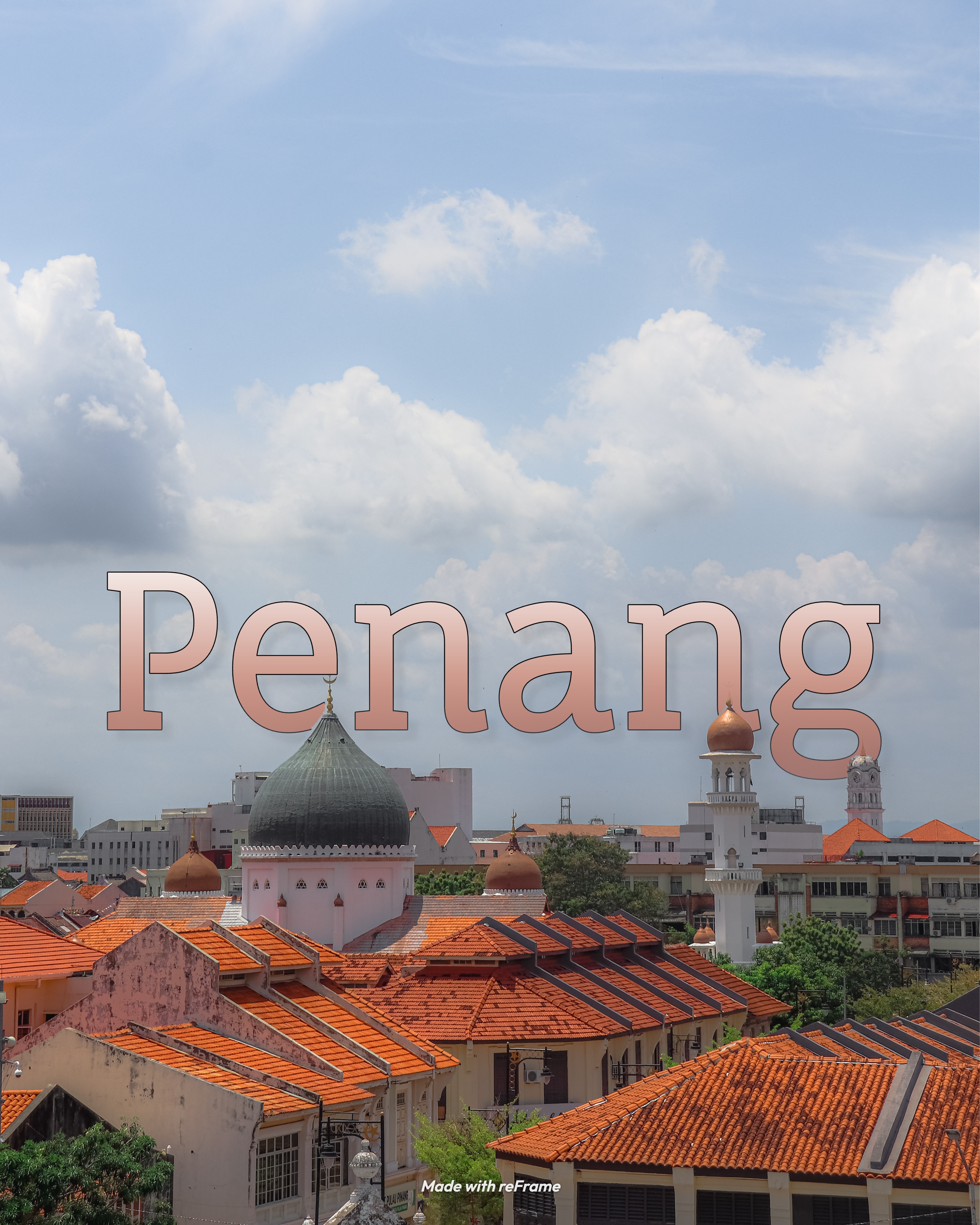
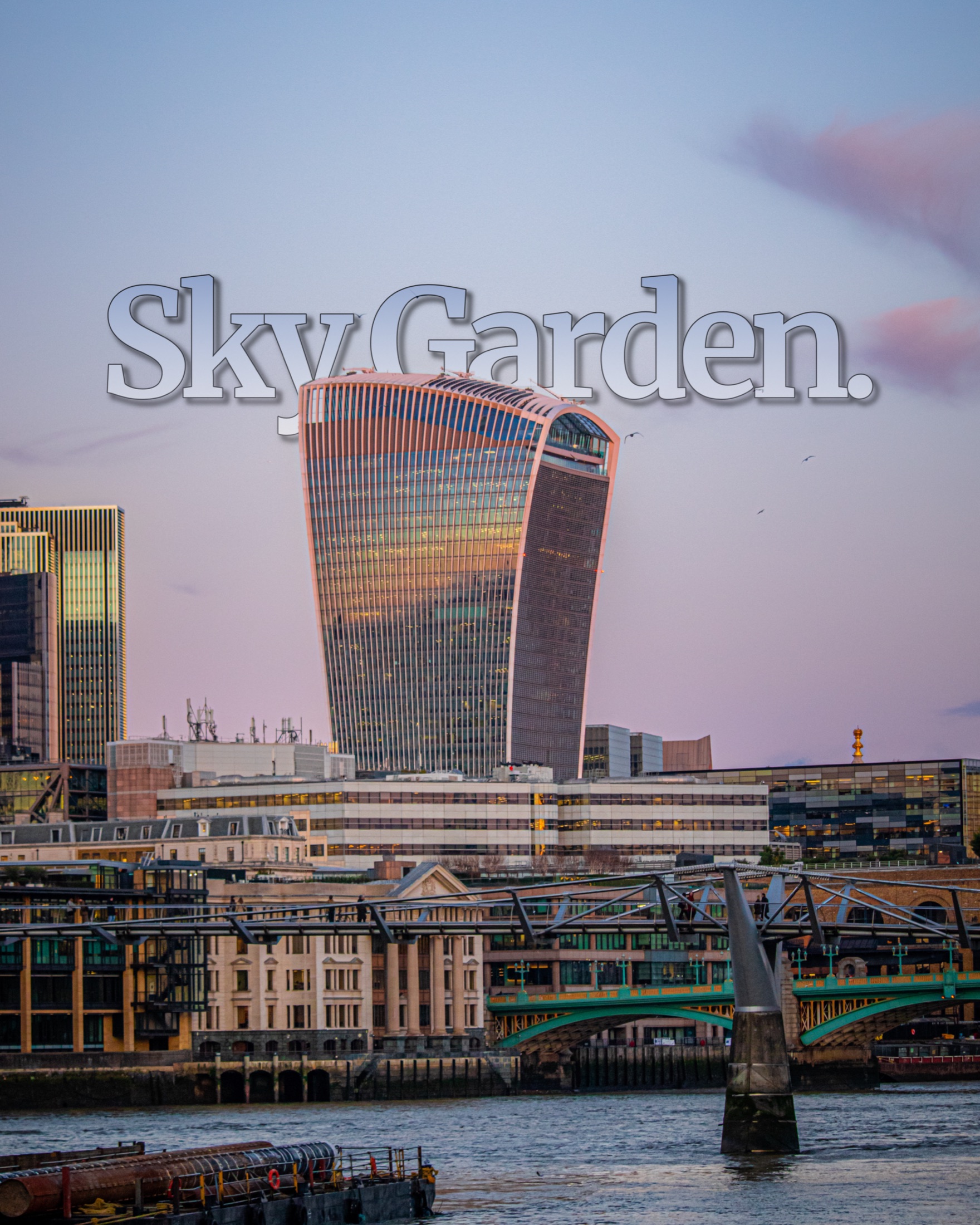
layrd turns the photos on your phone into magazine-grade layouts: titles that sit behind your subject, clean frames, seamless carousels, and motion text.

.jpg)
Not another filter app.
Made for photographers
layrd sits between basic editors and heavyweight design tools: the speed of a mobile app with the polish of an editorial layout studio.
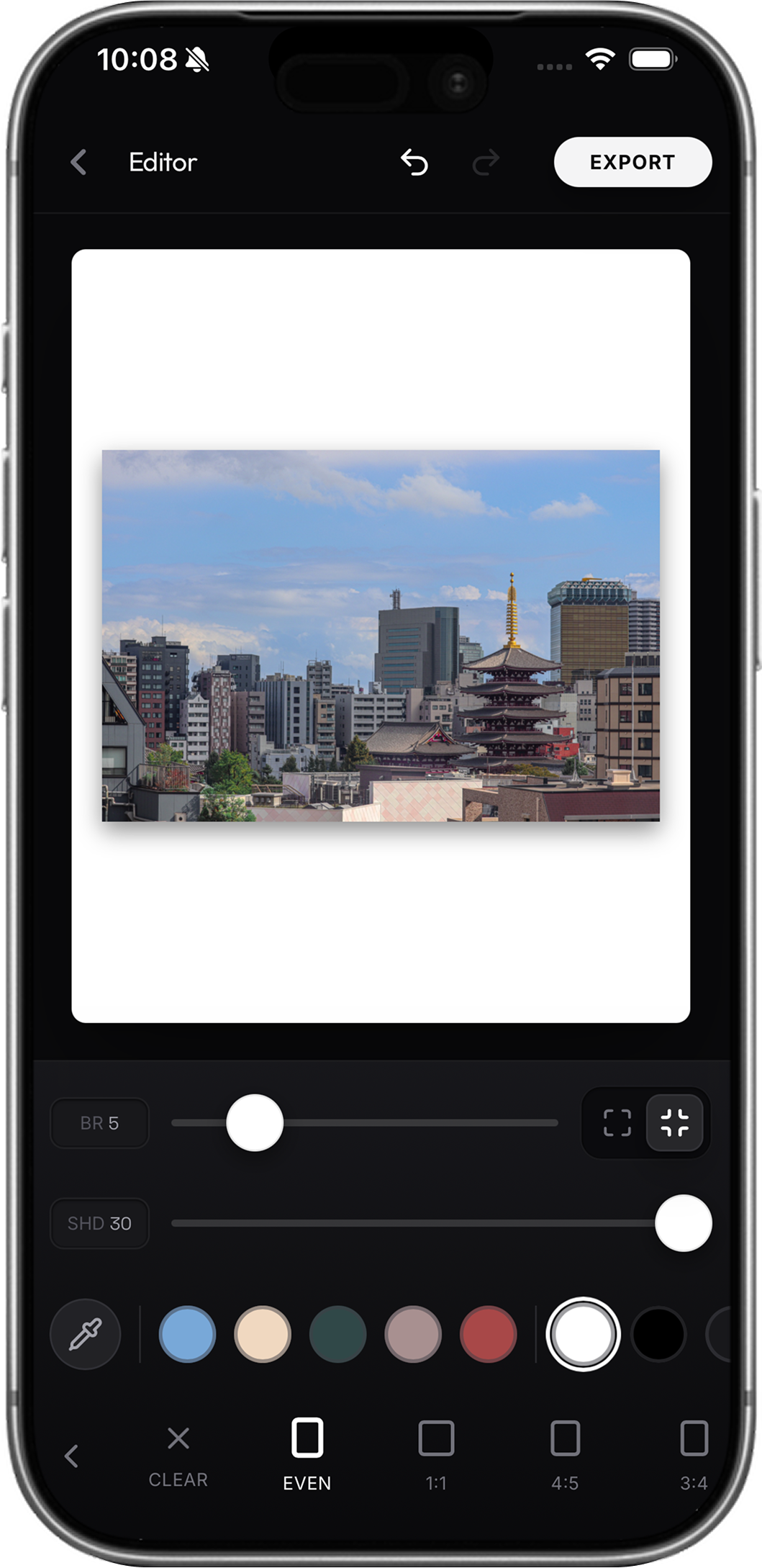
You shouldn’t jump between apps just to add a border, depth-aware title, clean crop, carousel export, and saved project file.
layrd combines local AI, 40+ curated templates, saved presets, animated text, and native export flows, from capture to publishable composition in one calm tool.
Depth-aware type
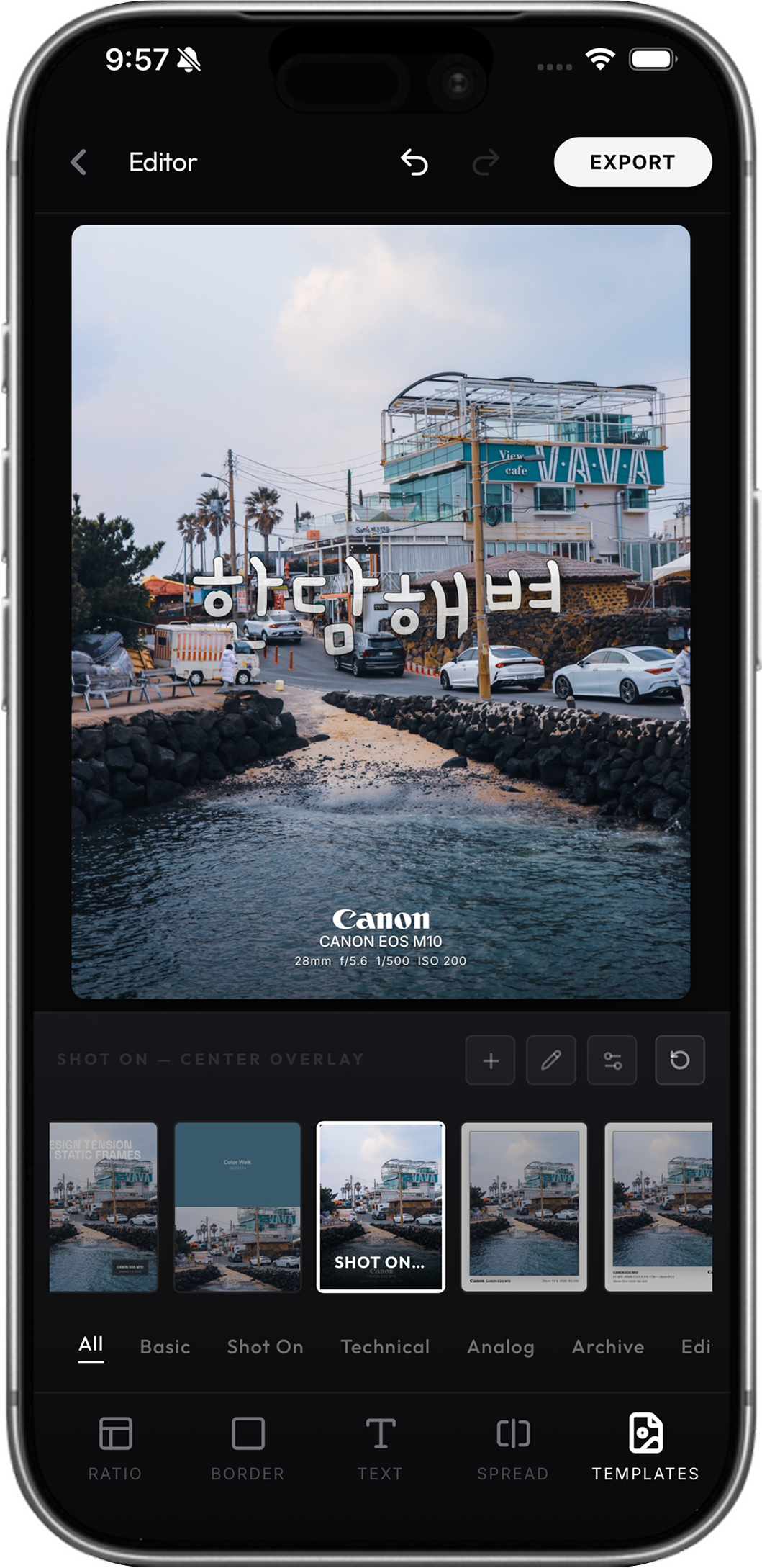
The subject stays visually in front while the title slips behind it, giving your composition a more spatial, cinematic editorial feel.
Powered by on-device depth estimation. No manual masking.Try it free in your browserCarousel studio
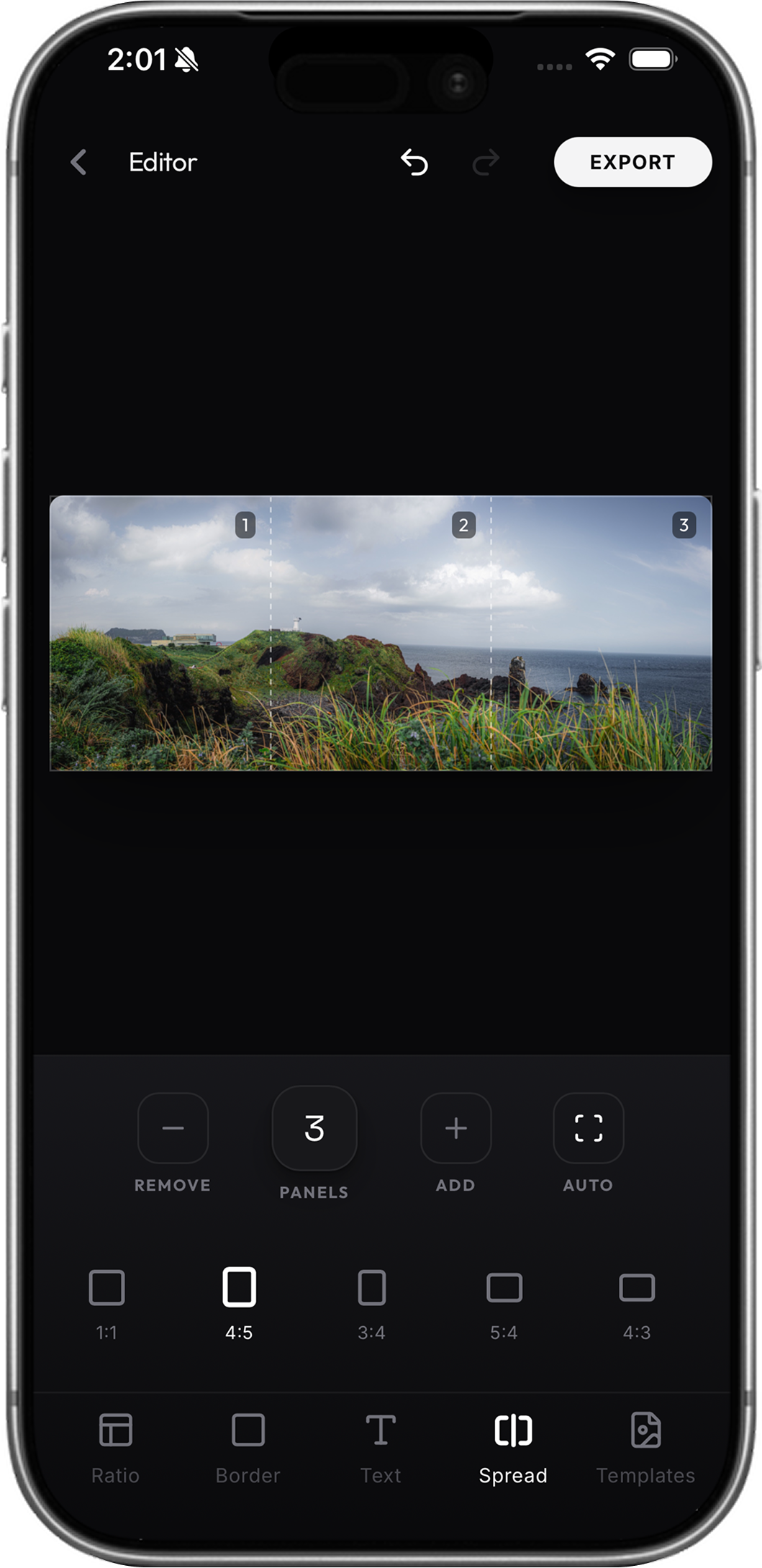
Split panoramic shots into clean, seamless Instagram carousel frames while the composition stays connected from edge to edge.
Up to ten aligned panels from one wide frame.Animated type
Choose a motion style, tune its pace, and let typography move through the composition. Export the finished layout without rebuilding it anywhere else.
What is next
What we are building next. No dates yet.
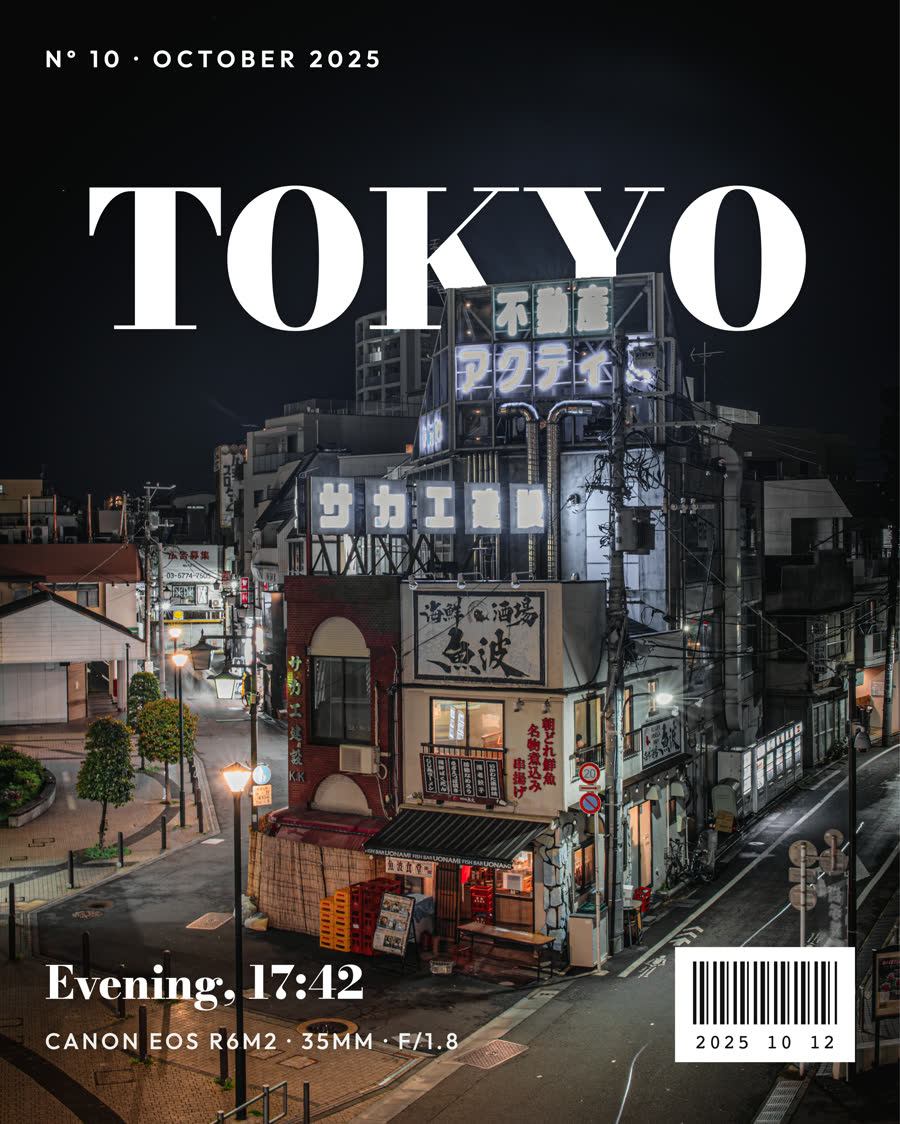
Cover stories, stamps, record sleeves and more.
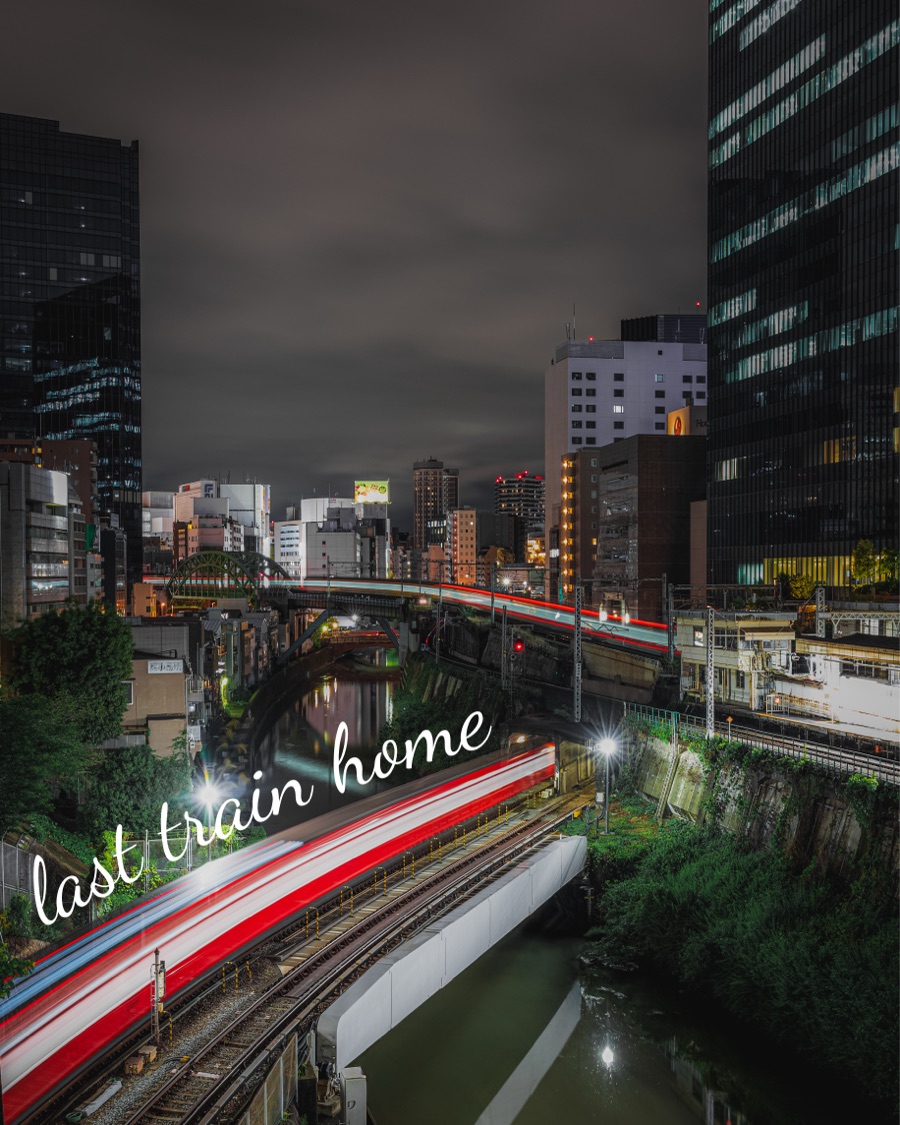
Curve words along any line you draw.
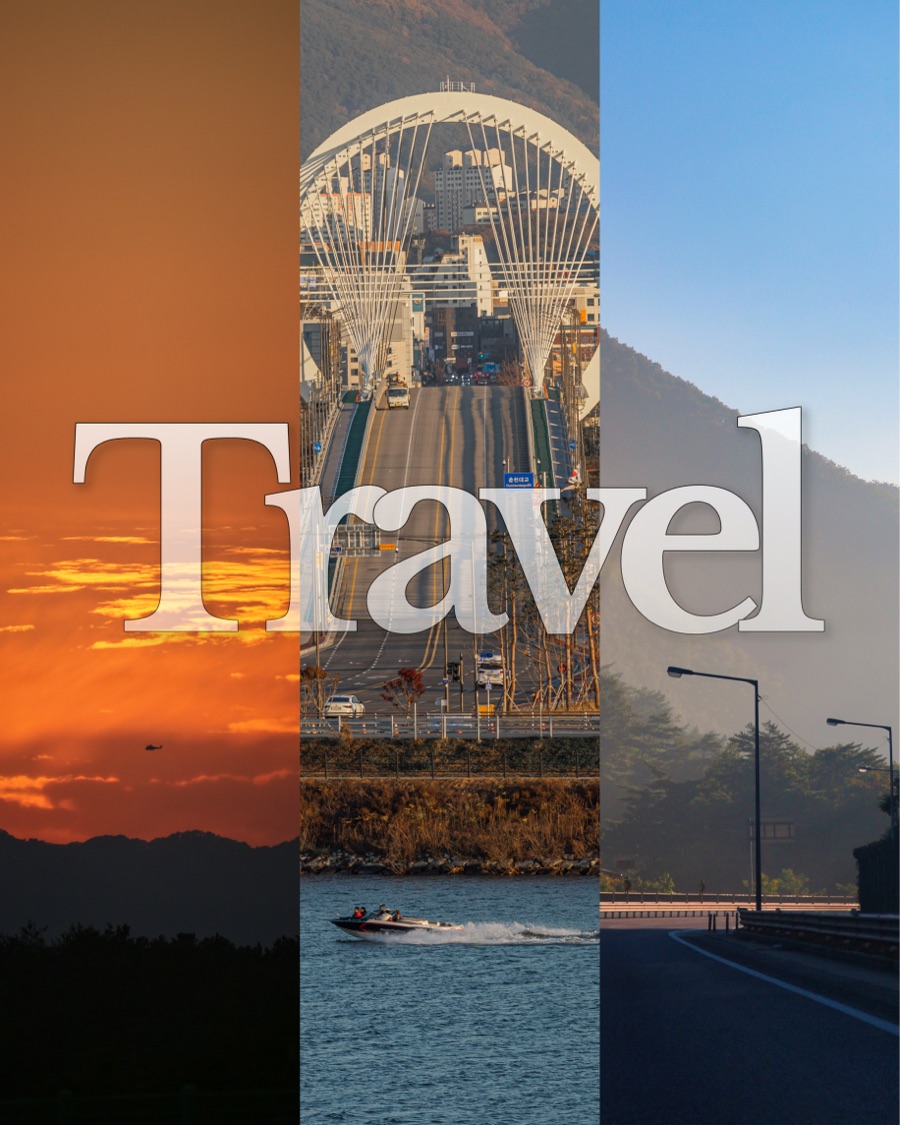
Several photos on one page, each with its own depth text.
A before and after clip of your edit, ready for Reels.
One calm tool
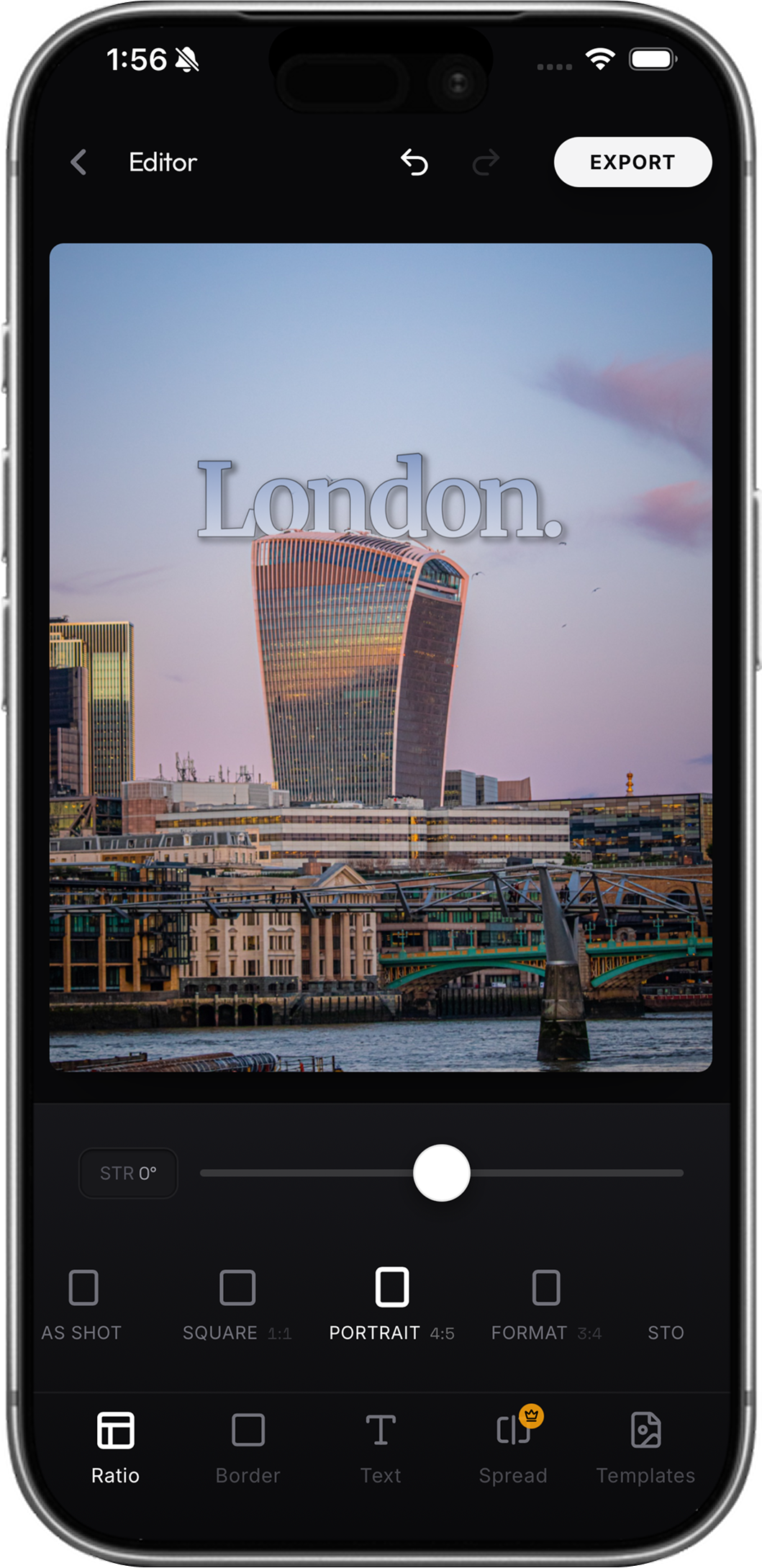
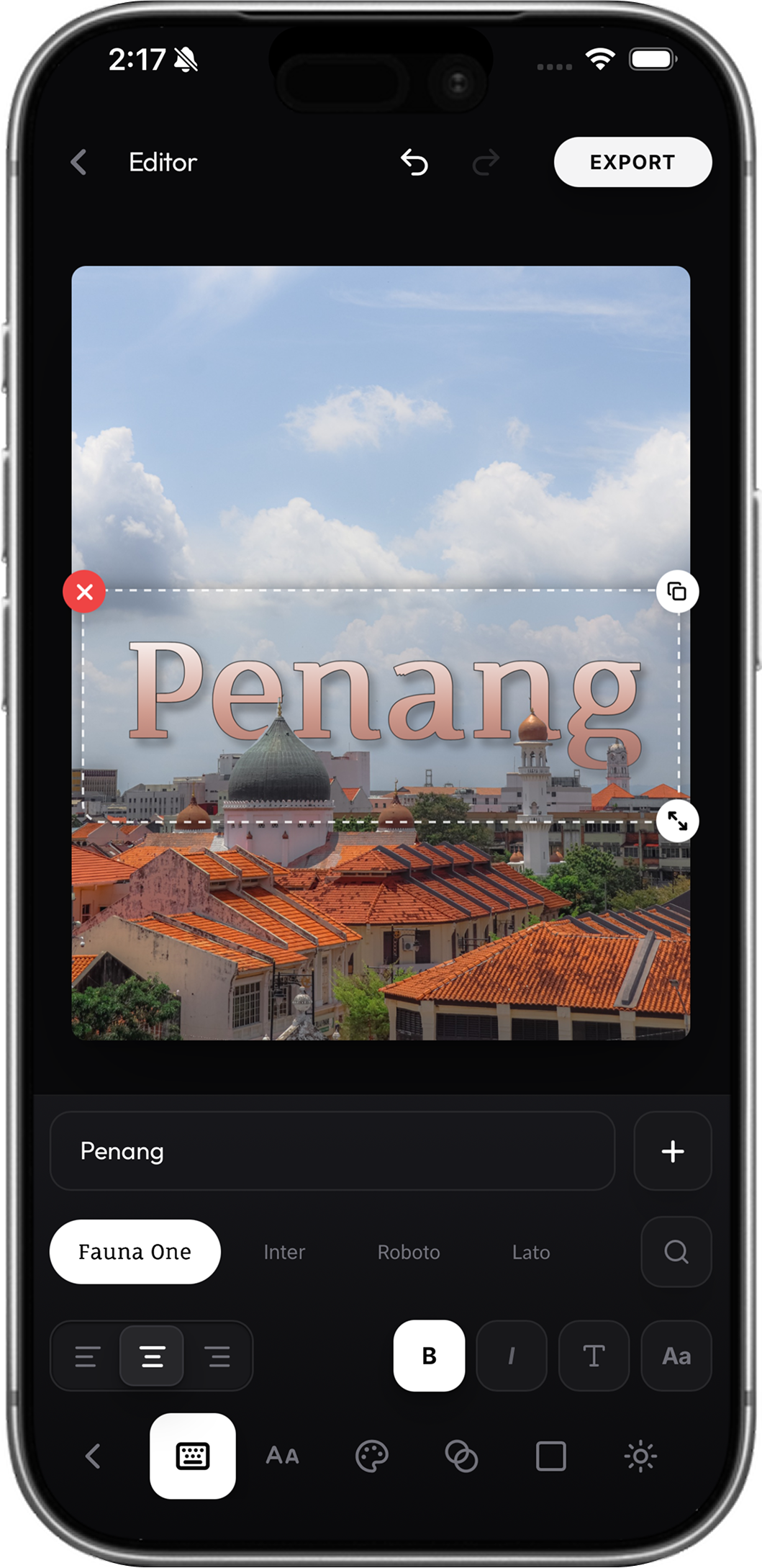
Refined controls that stay close to the canvas.
Local-first editing
Masks, depth maps, previews, and exports are made on your device.
Stay on device for editing and export.
Used for models, fonts, maps, forms, analytics, and purchases.
Camera, Files, Photos, and share sheets stay platform-native.
Finished looks
From quiet editorial frames to bold carousel stories, all made in layrd.
Good to know
The essentials on launch, exports, privacy, and where layrd is headed.
layrd is free to download on the App Store for iPhone and on Google Play for Android phones.
layrd is built for photographers and creators first. Its core hook is text-behind-subject depth, paired with premium typography, framing, carousel splitting, and photography-first presentation tools.
JPG or PNG images, split carousel batches, project files, and animated MP4, GIF, or APNG exports for motion text.
Image editing, masking, depth estimation, previews, and exports run locally. Your high-resolution working image stays on your device.
layrd is available today on iPhone and Android. Web and desktop paths for larger-canvas editing are on the roadmap.
Now on iPhone and Android
layrd is free to download on the App Store and Google Play.